When you need technical support, raising a ticket through the Sentire support portal is the fastest way to get help. Every ticket is logged, tracked, and assigned to an engineer — nothing gets lost.
There are three ways to submit a ticket:
Option 1 — Through this portal
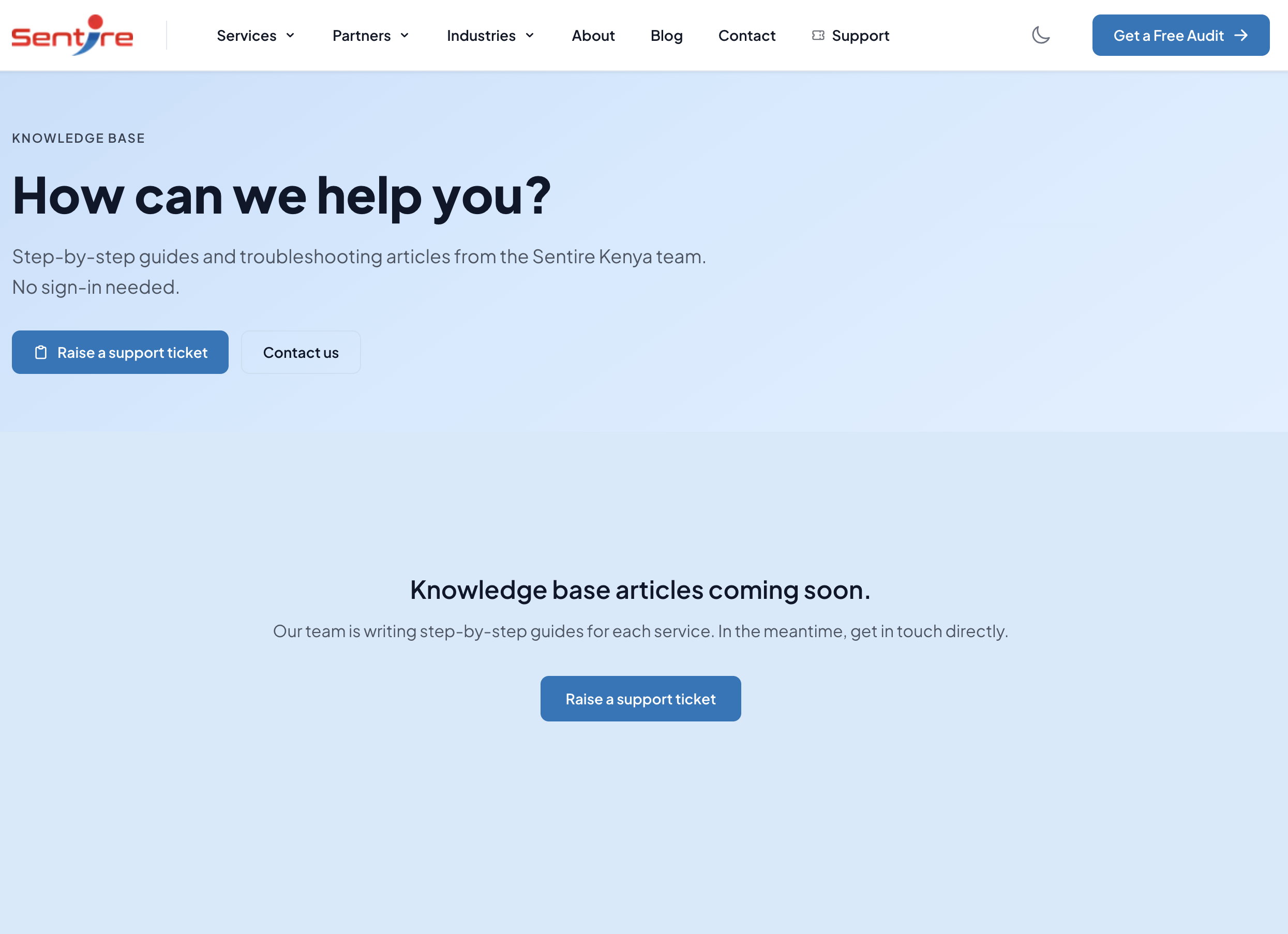
Click the Submit a Ticket button on the portal home page.
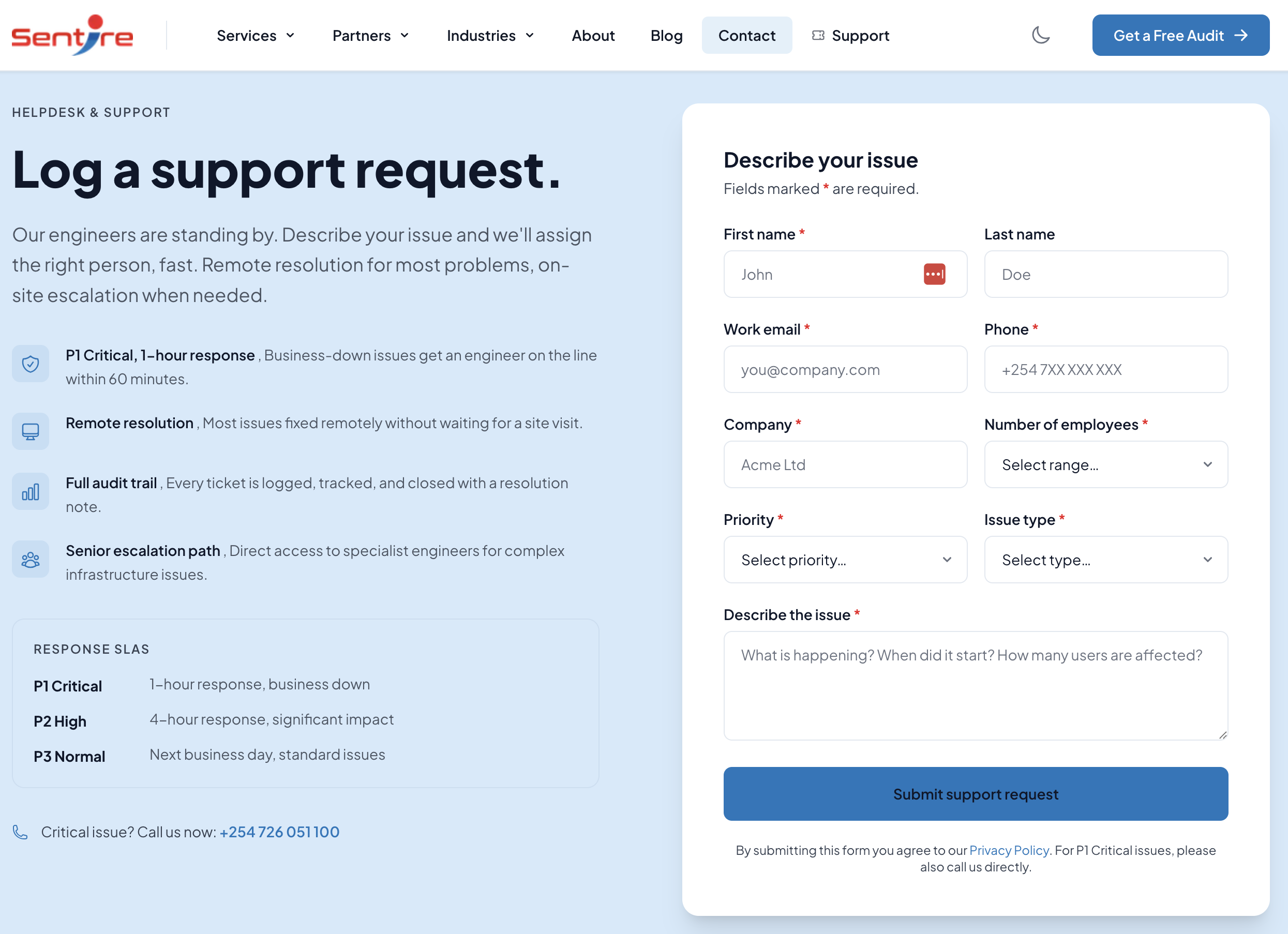
Fill in your name, email address, and a brief description of the issue.
Click Submit. You will receive a confirmation email with your ticket number.
Option 2 — By email
Send an email to support@sentire.co.ke with a subject line describing your issue. A ticket is created automatically and you will receive a confirmation reply with your ticket number.
Option 3 — Through the Sentire website
Visit sentire.co.ke/contact and complete the contact form. Select the nature of your request and submit. A ticket is created in our system immediately.
Once your ticket is submitted, an engineer will review it and respond within the timeframes set out in your service agreement. You can check the status of your ticket at any time by logging into this portal.
Still need help?